An official website of the United States government.



Sign In to order a Self-Query
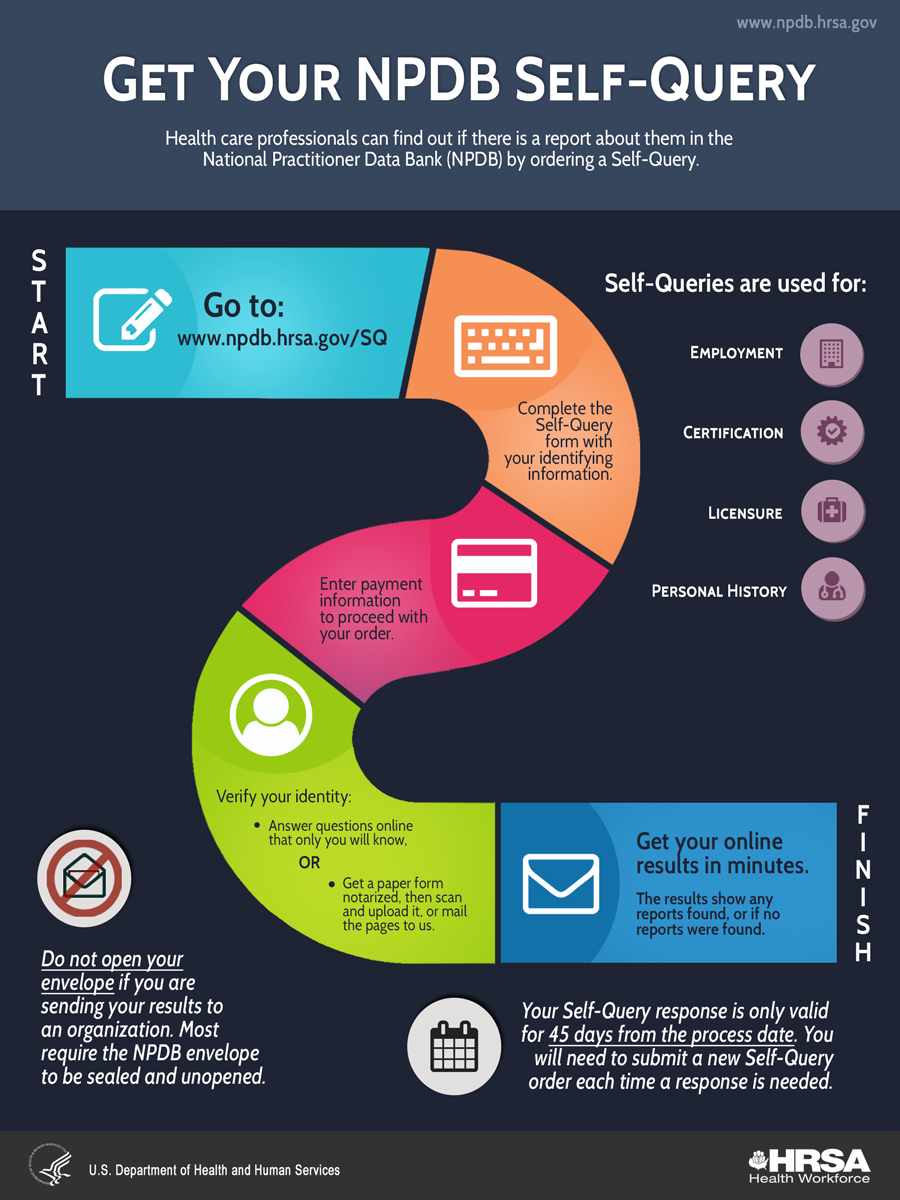
Get Your NPDB Self-Query with a Personal Account
Health care professionals can find out if there is a report about them in the National Practitioner Data Bank for free with a personal account. Subscribe to get a certified Self-Query response.
Self-Queries are used for:
- Employment
- Certification
- Licensure
- Personal History
Steps
Start
- Go to: https://my.npdb.hrsa.gov
- Sign in to your ID.me wallet or create one. Verify your identity.
- Create your personal account and complete your profile to search for reports that match.
- The search results show if any reports are found, or if no reports were found, at no cost to you.
- Subscribe to purchase your certified Self-Query response. To view the certification, you must open the saved file in Adobe Acrobat Reader.
Finish
With an annual subscription get unlimited access to your certified Self-Query response. Download and save the certified response PDF at any time.
View a PDF Version (PDF - 229 KB)
Quick Links
- How to Order a Self-Query (video - 4:07)
- Self-Query Help